

Raising funds as a new founder is never easy. Growing competition, shifting economic conditions, and limited time make fundraising feel overwhelming. Most early-stage founders can’t afford to hire marketing teams, yet the work still needs to get done. What if you had a reliable coworker instead of another employee? That’s where Claude AI, an intelligent assistant from Anthropic, comes in. Claude helps founders create complete fundraising campaigns by handling planning, content creation, and performance tracking. This blog explains how Claude works and why it’s becoming a powerful fundraising tool for modern founders.
What is Claude AI and How it helps Startup founders
So, let’s first understand what Claude AI actually is and why it feels different from many existing AI tools people are already familiar with. Claude is designed to work more like a collaborative partner rather than a simple prompt-and-response tool. Instead of only reacting or responding to short instructions, it can handle complex, ongoing tasks such as building an entire fundraising campaign from start to finish.
How Claude AI is Different from ChatGPT
While both Claude and ChatGPT are AI writing tools, there are key differences:
Self-Prompting & Smart Guidance:
- Claude can ask clarifying questions, suggest improvements, or refine instructions on its own.
- Keeps the workflow moving smoothly without requiring you to debug or rewrite prompts.
- Acts like an intelligent human like teammate that anticipates next steps.
Efficient & Iterative Workflows:
- Helps save time, reduce trial-and-error, and stay organized across fundraising tasks.
- Lets you focus on strategy and donor engagement while Claude handles repetitive work.
- Supports ongoing adjustments and pivots, making campaigns more adaptive and results-driven.
How to Access Claude
Claude AI is designed to be flexible and easy to use across different devices. You can access it directly through a web browser or install the Claude desktop app for a more focused experience. To get started, you’ll need a Claude Pro account, which currently costs around $17 per month. Once you sign up, you can install the Claude app on your computer or use it in your browser. There’s no complex setup involved, and you don’t need to download heavy software to begin.
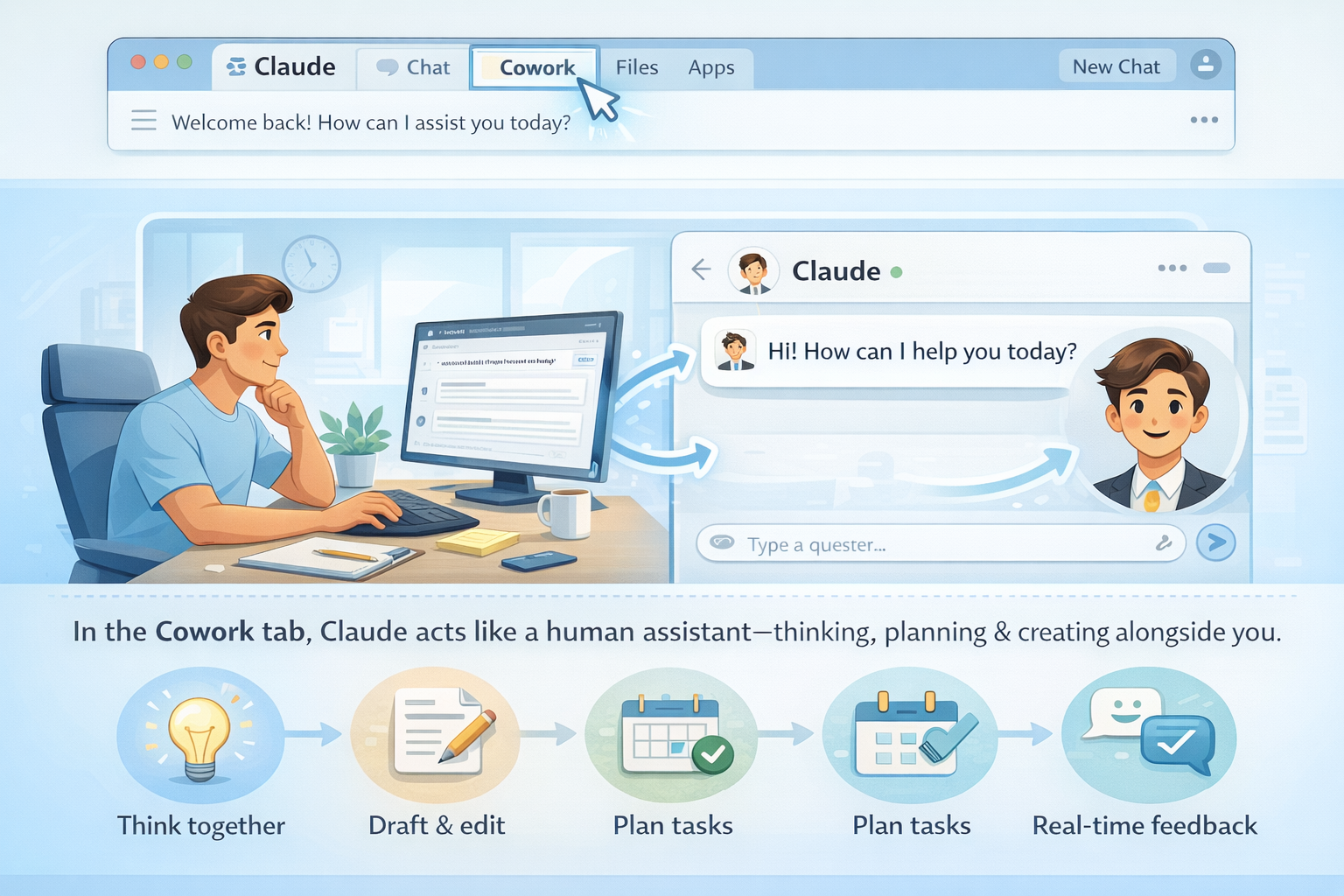
When you open Claude, you’ll notice a tab called “Cowork.” This is where Claude truly acts like a human assistant. Cowork mode allows you to manage structured tasks, work with files, and build projects such as fundraising campaigns in one continuous workspace. Instead of jumping between tools, everything stays organized in a single flow.
Claude works smoothly across devices:
- You can also connect tools like Gmail for drafting emails and Google Drive for storing and organizing campaign assets.
- If your organization uses a CRM such as HubSpot, Claude can work with that data to support donor personalization.
Because Claude supports file uploads and tool integrations, it doesn’t just respond to text prompts. It reads documents, spreadsheets, and past campaign materials, then uses that information to support your work end to end. This makes it feel less like software and more like a reliable coworker helping you move fundraising projects forward.
Step-by-Step Guide to Use Claude AI as Your Fundraising Assistant
For Claude to help you like a real human assistant, you need to share context about your work. This includes your mission, your goals, your audience, and your brand. Along with describing these details, you can also upload important information and give Claude access to specific files on your computer, such as documents, spreadsheets, or past campaign materials.
With this context in place, Claude can plan the work step by step, connect different tasks together, and support the project as it evolves. Instead of treating each request as a separate task, it understands the bigger picture and helps move the entire fundraising effort forward in a more organized and efficient way.
This means fundraising becomes less about trial and error and more about having an intelligent coworker that helps you work faster without losing clarity or purpose. Using Claude Using Claude AI is simple and intuitive. Here’s a step-by-step approach for founders to get started:
Step 1: Gather Your Materials
Before starting, prepare:
- Your organization’s mission statement and campaign goals.
- Donor data, including tiers, past giving history, and engagement levels.
- Brand guidelines, such as colors, fonts, and the tone of voice you want to use.
Step 2: Connect Your Tools
- Link Gmail for email creation.
- Connect Google Drive for storing campaign assets.
- Optionally, connect your CRM to allow Claude to pull donor data for personalized messaging.
Step 3: Create the Campaign
Give Claude clear instructions about your campaign, including goals, donor segments, and timeline. For example: “Create a year-end fundraising campaign to raise $50,000. Include donor emails, social posts, thank-you notes, and an impact dashboard.” Claude will generate all the components of a multi-channel campaign with professional formatting and brand-consistent visuals.
Step 4: Review and Refine
After Claude generates the campaign materials, review each component. You can make minor adjustments to:
- Messaging style and tone.
- Scheduling of emails and posts.
- Visual details, like formatting and brand colors.
Step 5: Launch and Monitor
Once the campaign is finalized, you can deploy emails and social media posts. The impact dashboard allows you to track donations, donor engagement, and campaign progress. You can adjust strategies as needed based on real-time insights.
Conclusion
Claude AI is changing how fundraising campaigns are planned and executed. It’sa , coworker that handles strategy, content, and tracking so founders can focus on connecting with donors and delivering impact. If you’re a founder looking to save time and elevate your fundraising efforts, now is the time to explore and use Claude AI as assistant in your fund raising journey.
.svg)